AI Christmas photoshoot
Skip the studio queue in December. Upload a selfie and get holiday photos by the tree, in a snowy forest or at a glittering party — for cards, posts and family chats.
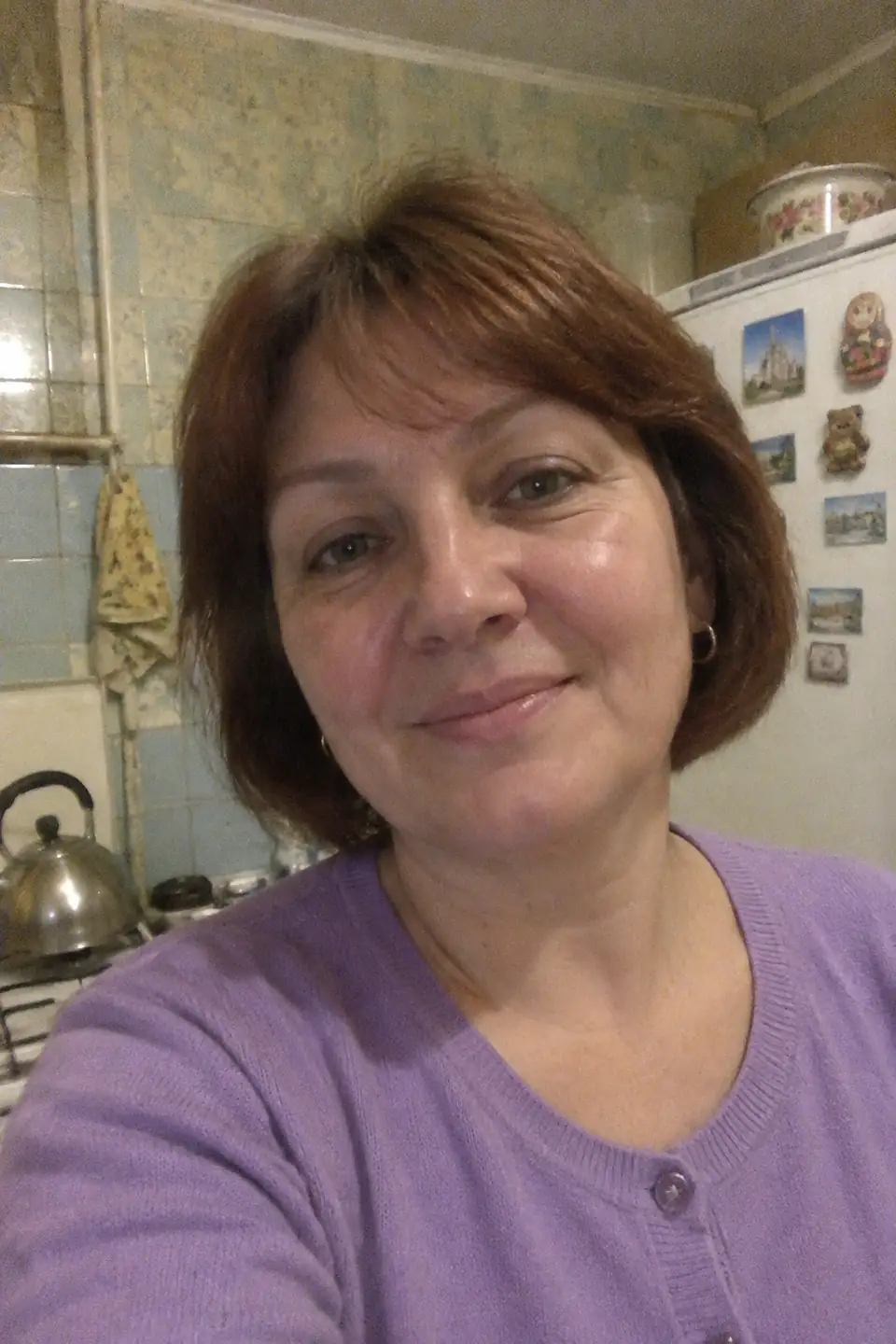
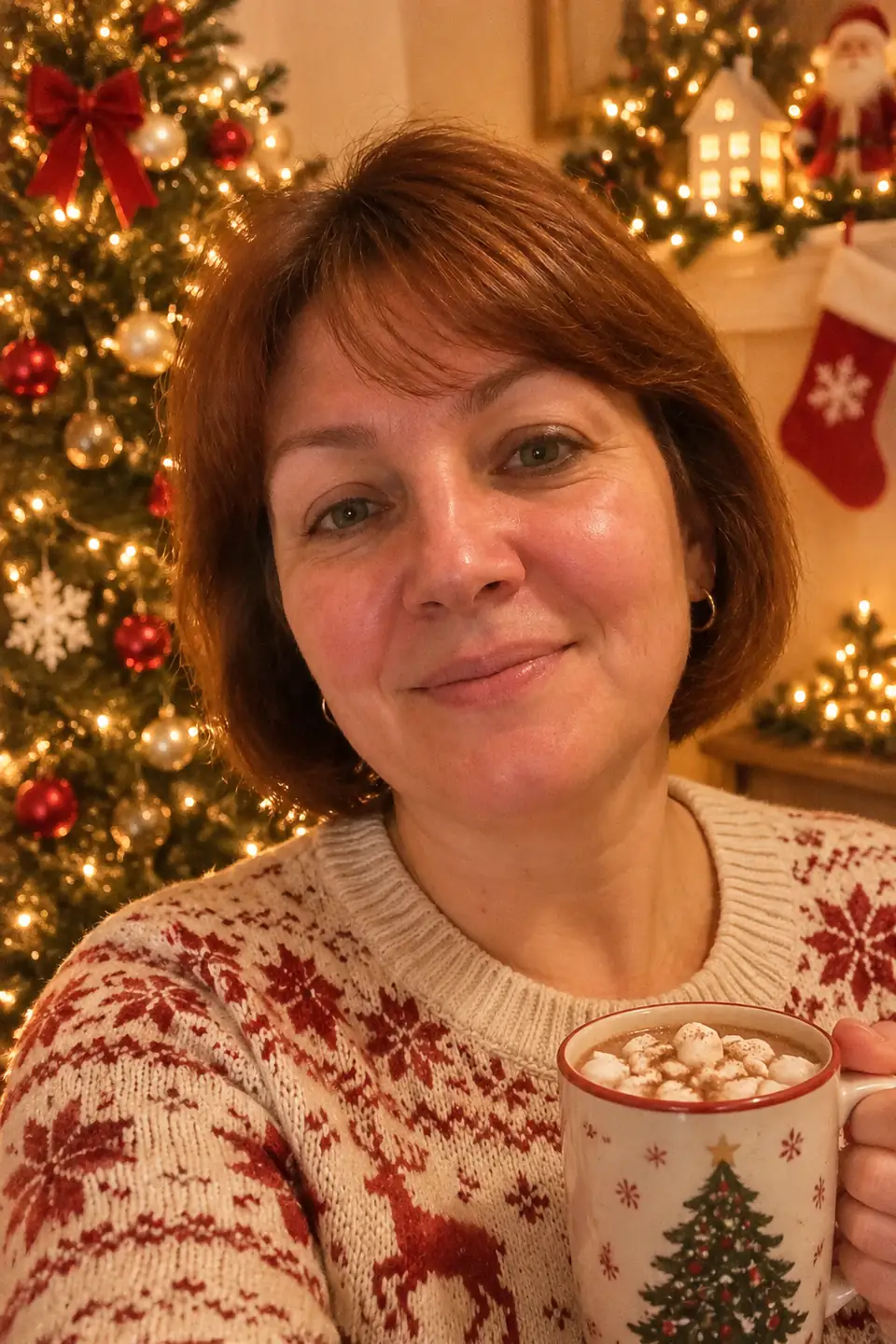
For everyone at the table
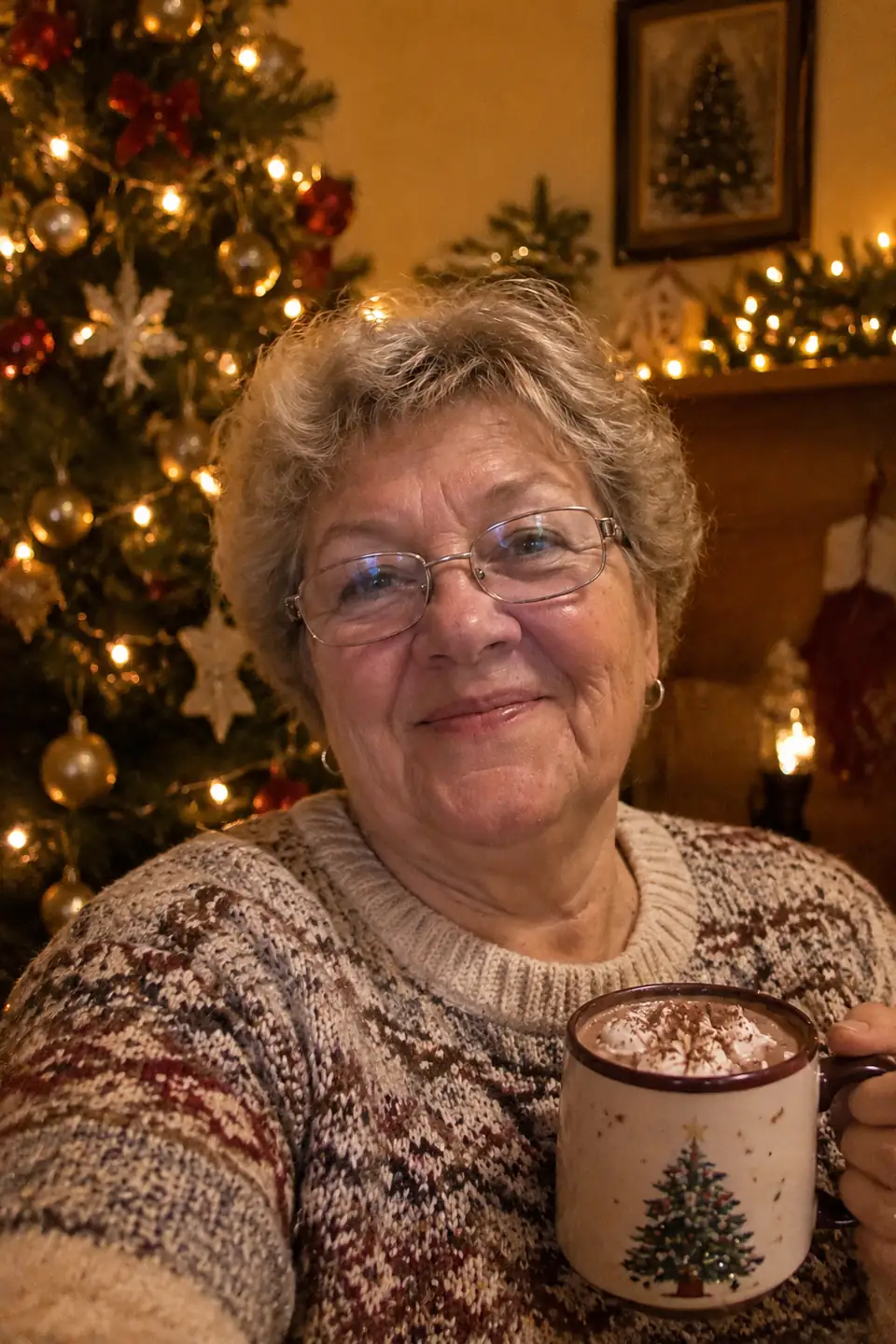
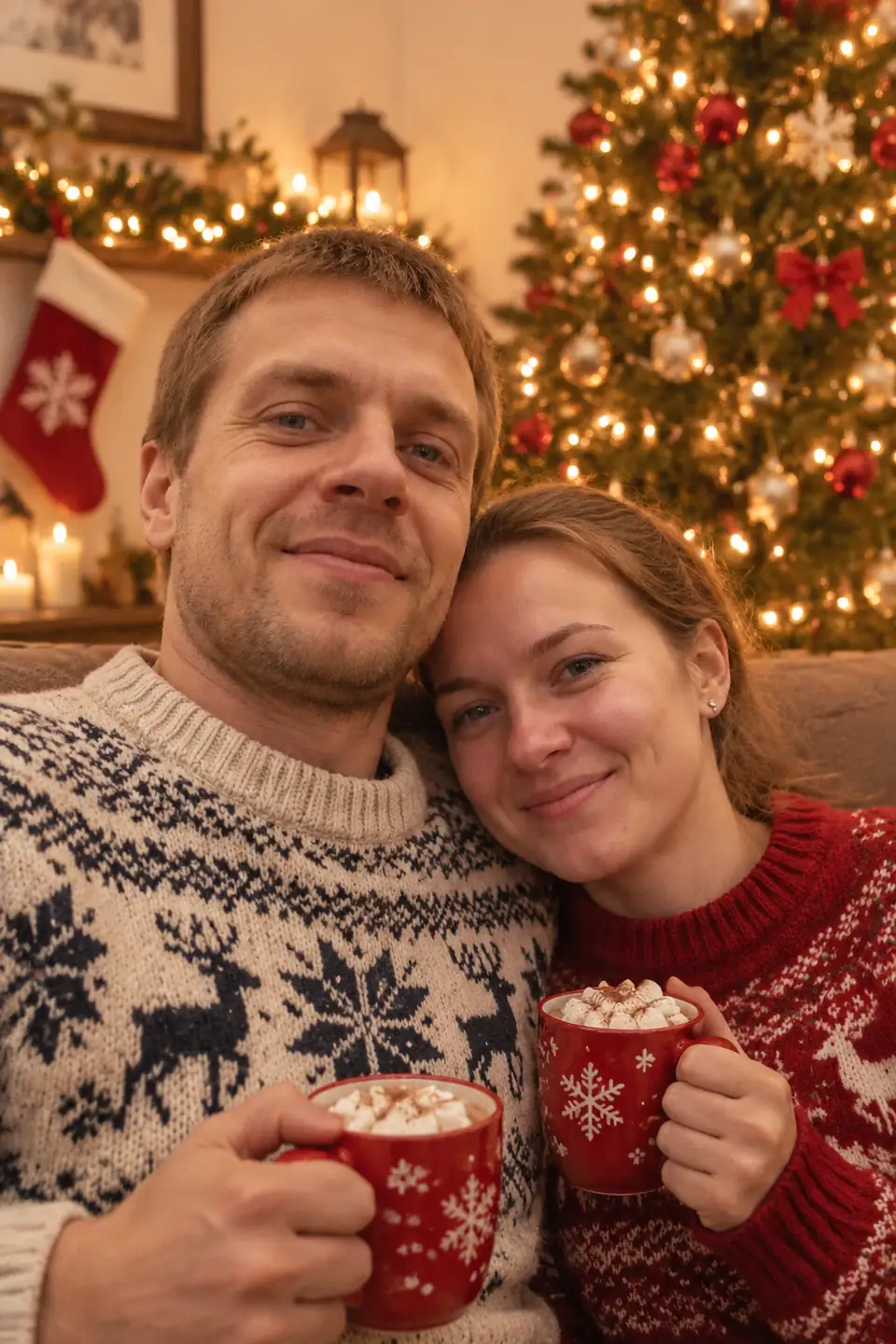
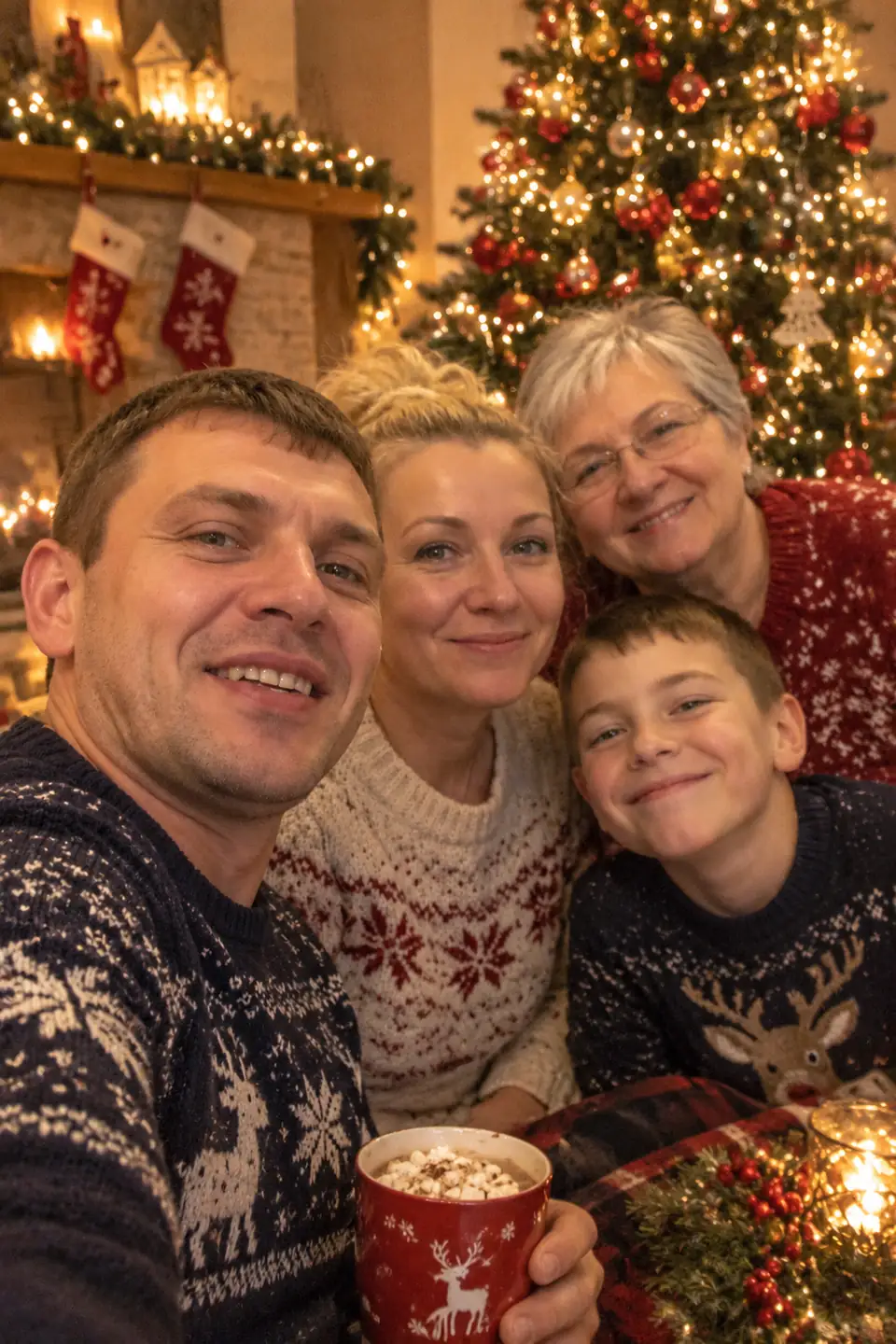
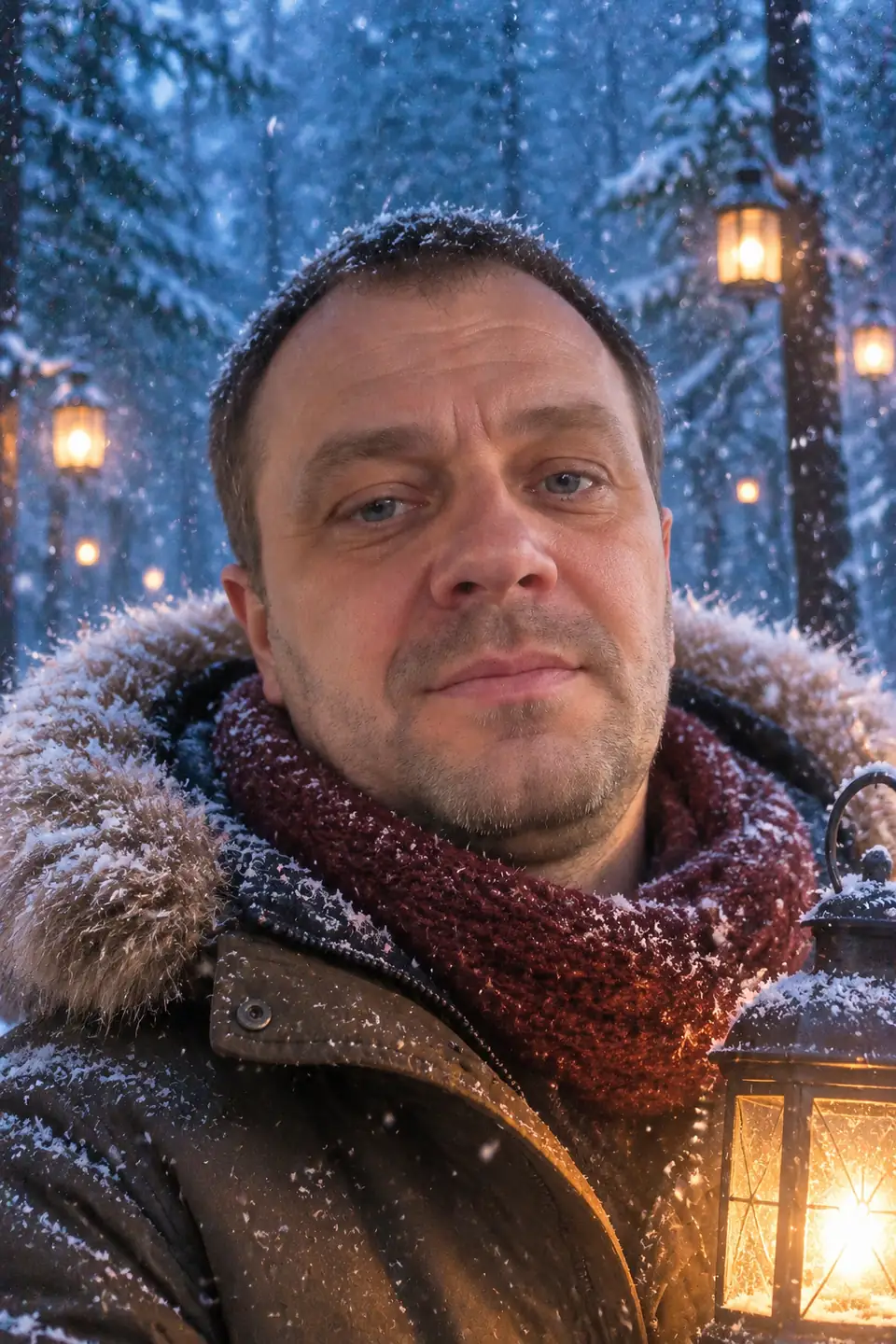
Three ready-made styles: Cozy Christmas, Winter forest and New Year party. Want a greeting on the picture? Make an AI Christmas card instead.
Ideas for using the photos
- This year's family Christmas card without booking a photographer
- A matching set for relatives who live far away — everyone sends a selfie
- Holiday profile pictures and greeting posts
How it works
- Open DANOVA in your browser — nothing to install, no account needed.
- Upload one ordinary photo from your phone: face visible, no sunglasses or heavy filters.
- Download the result in about a minute. The first 2 photos are free.
FAQ
How do I make an AI Christmas photoshoot?
Open DANOVA, choose a Christmas style and upload a selfie or a group photo. Each style gives one finished picture.
Does it work for couples and families?
Yes — upload one photo with everyone in it. Up to 4–5 people works best.
Will it still look like me?
Yes. The AI keeps your facial features, age and hairstyle and changes only the scene, outfit and lighting. A clear, front-facing selfie gives the closest likeness.
Is it free?
Your first 2 photos are free — no sign-up and no card. After that you buy credit packs: 1 credit = 1 finished photo, and credits never expire.
What happens to my photos?
Photos are used only to create your picture and are deleted from our servers automatically after 7 days. We do not publish them or use them to train models.