AI headshot generator: a professional photo from one selfie
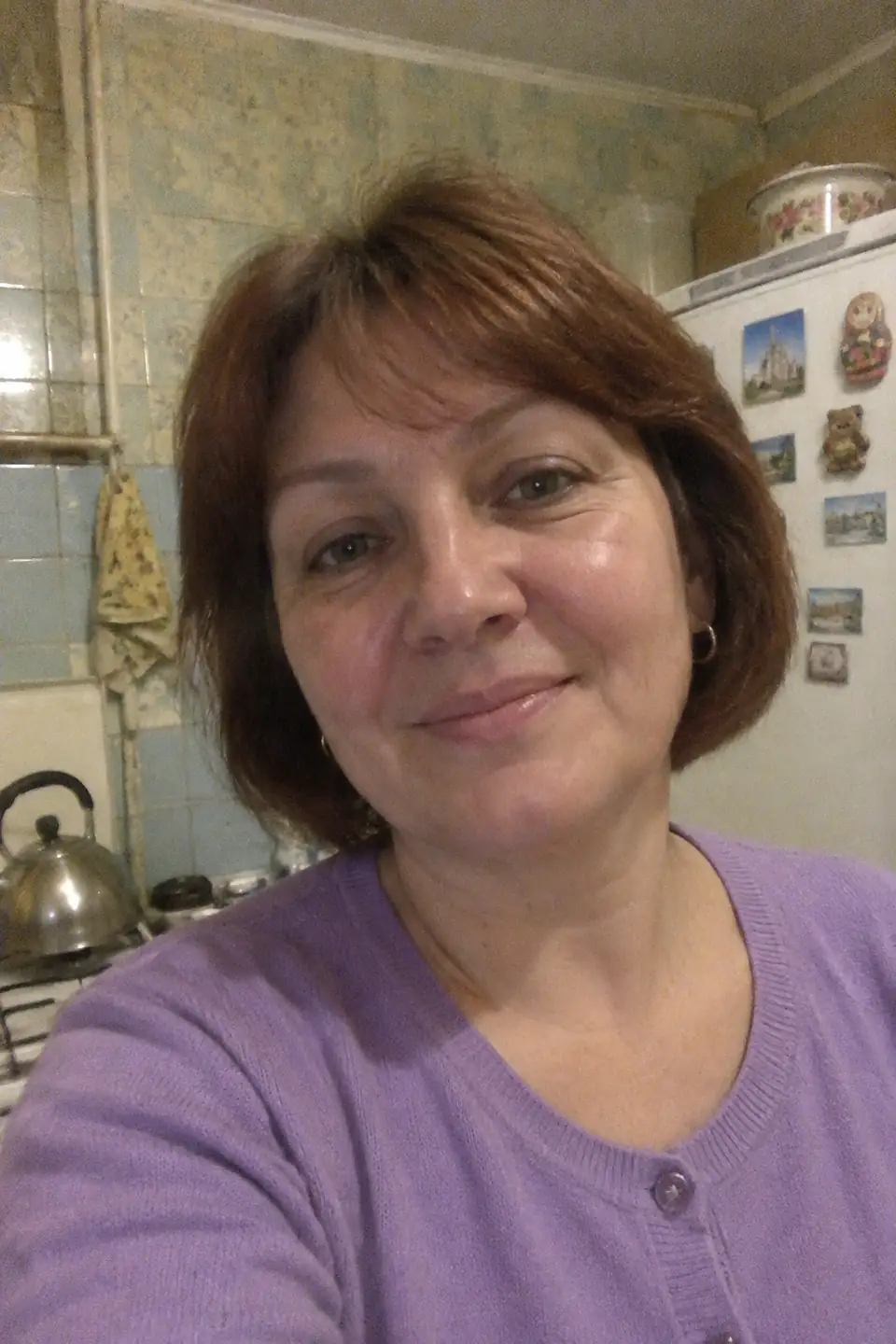
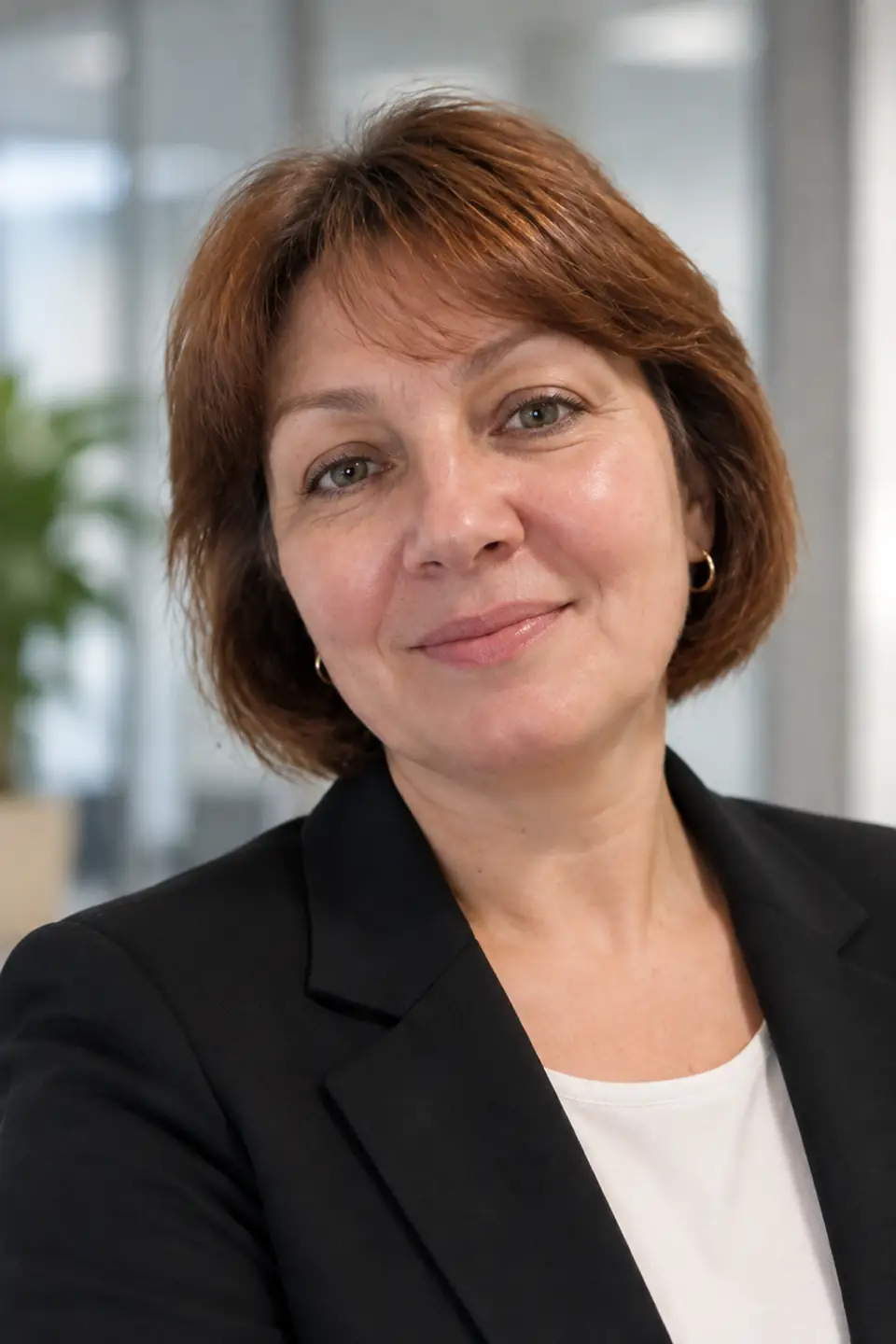
A selfie taken in your car or kitchen becomes a clean business headshot — suit jacket, soft studio light, neutral background. Ready for LinkedIn in about a minute.
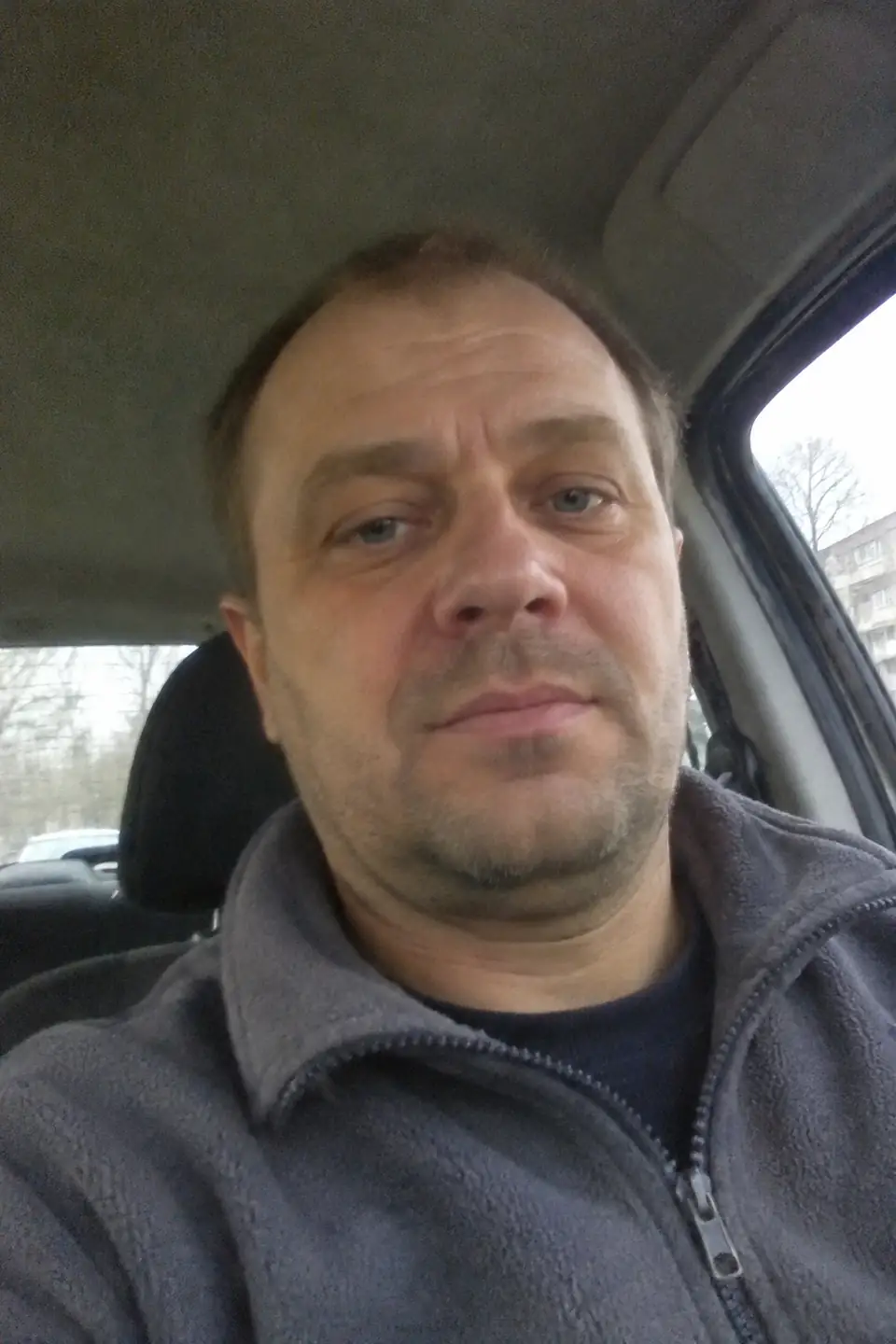
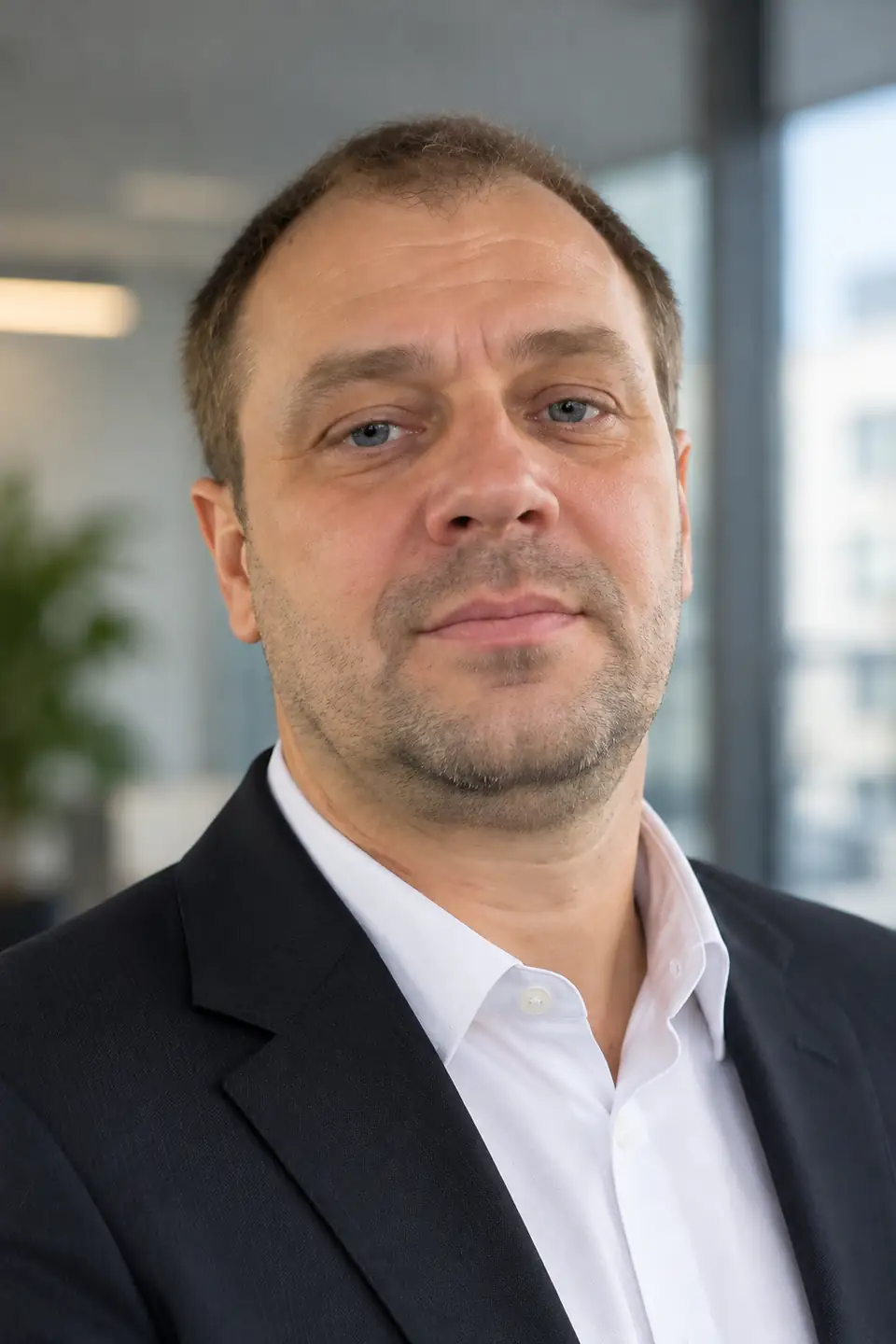
Headshots for men and women
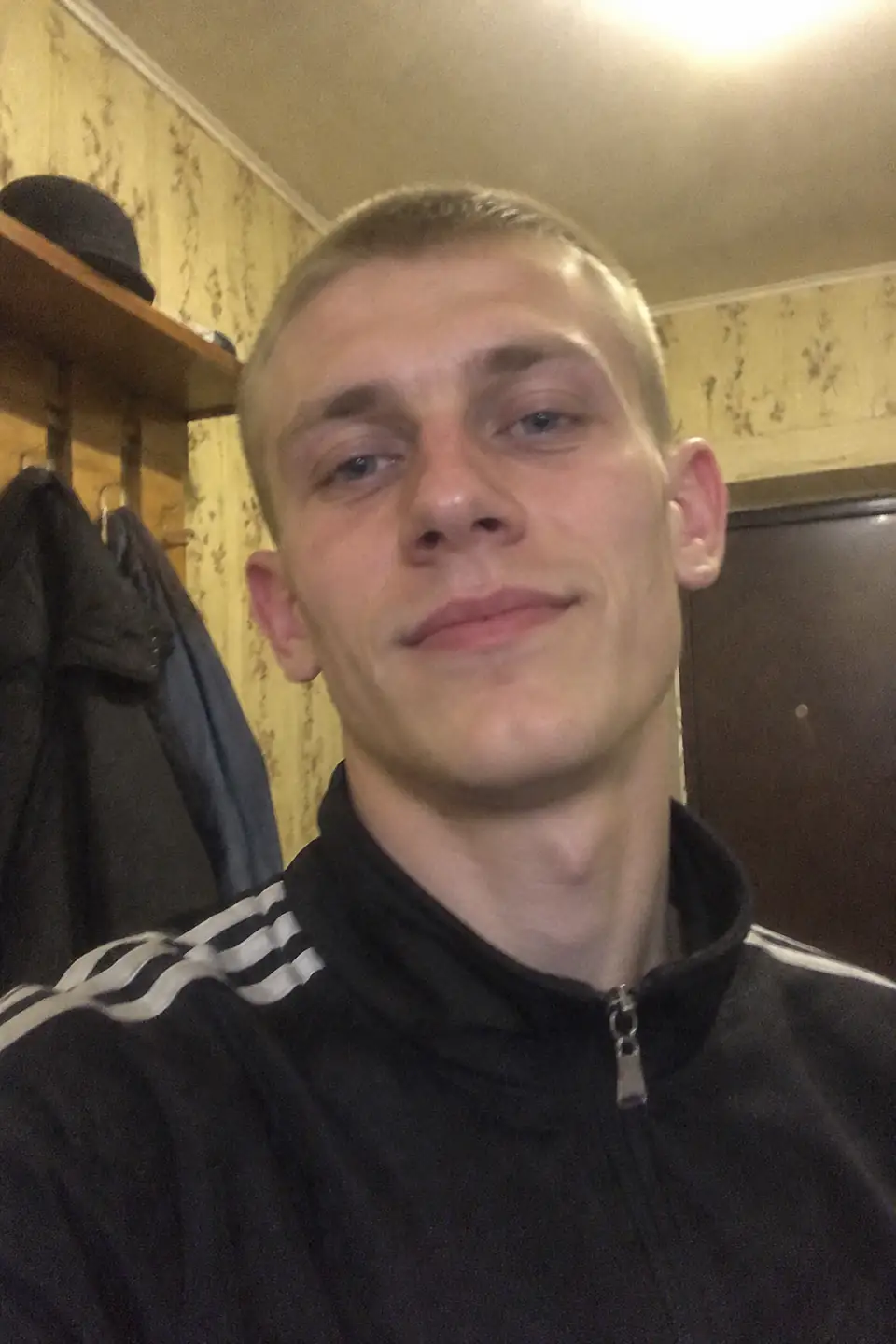
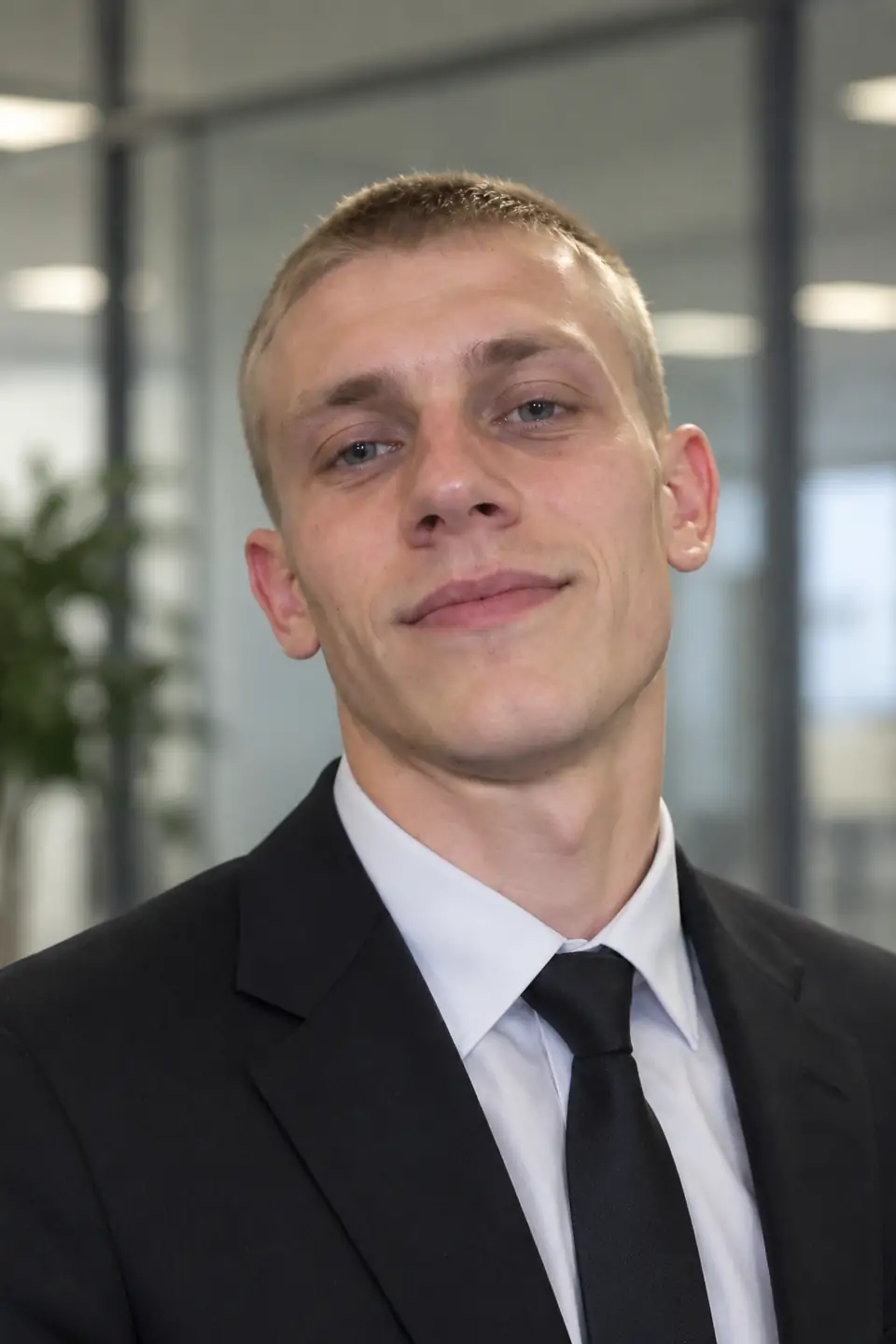
Where to use it
- LinkedIn, Indeed and other job-search profiles
- CV, email signature, speaker bio
- “About us” and team pages
- Slack, Teams and messenger avatars
Two looks that work for profiles
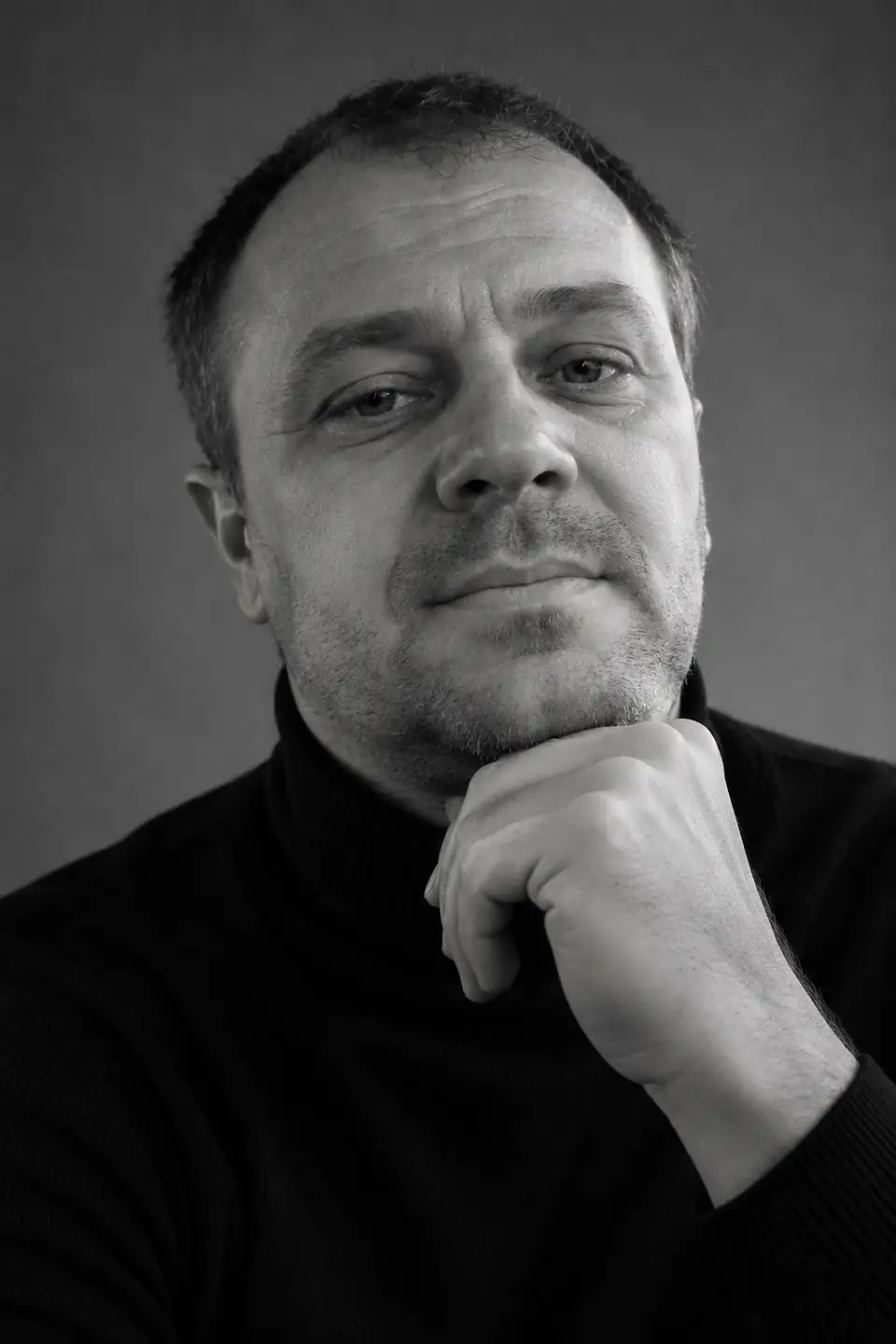
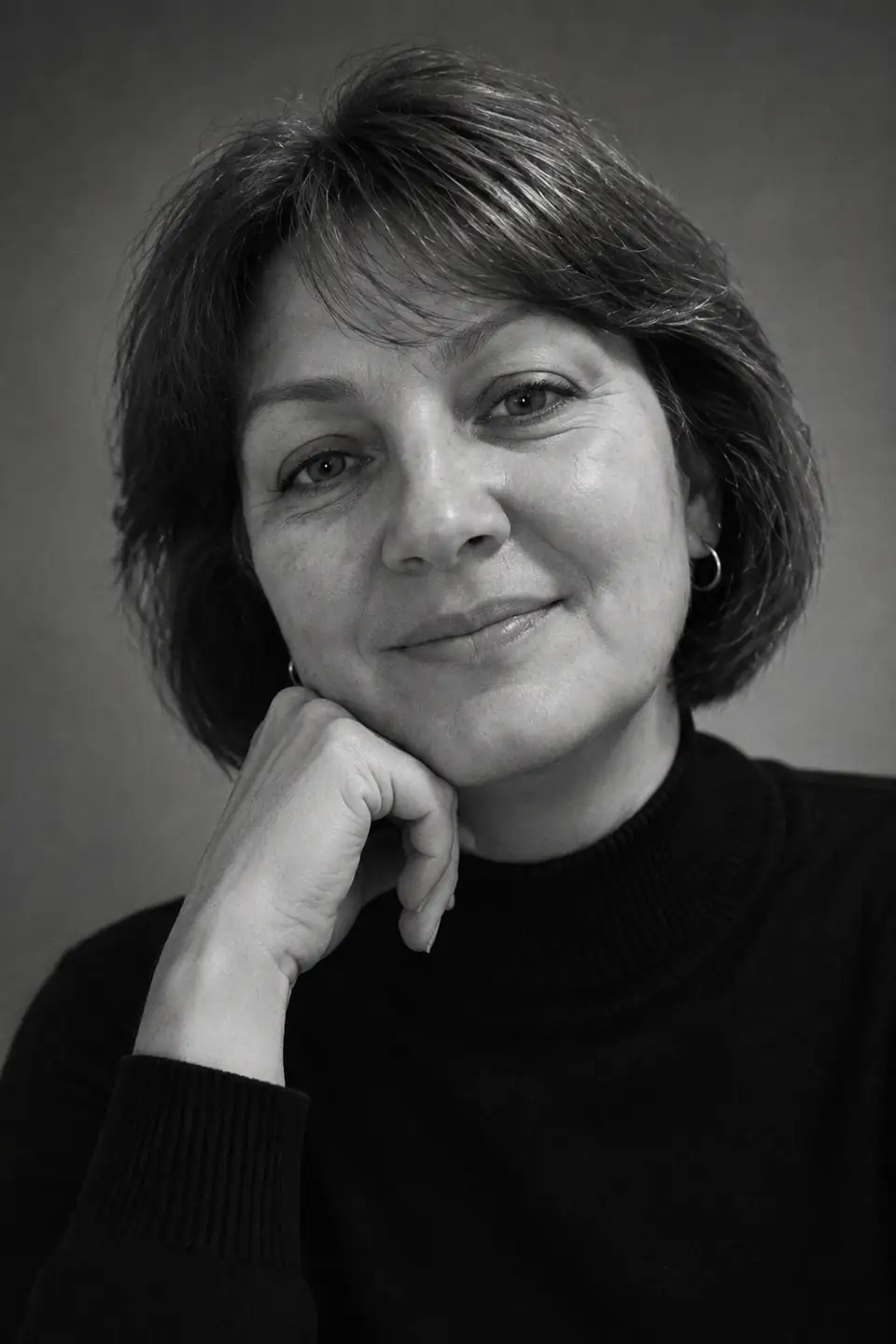
Business headshot is the safe choice for corporate profiles. B&W studio is stronger and works well for creative fields, consultants and authors.
Note: AI headshots are for profiles and marketing. Do not use them for passports, visas or other official ID.
How it works
- Open DANOVA in your browser — nothing to install, no account needed.
- Upload one ordinary photo from your phone: face visible, no sunglasses or heavy filters.
- Download the result in about a minute. The first 2 photos are free.
FAQ
How do I make an AI headshot for LinkedIn for free?
Open DANOVA, choose “Business headshot” and upload a selfie. The first 2 photos are free and need no account.
Will it still look like me?
Yes. The AI keeps your facial features, age and hairstyle and changes only the scene, outfit and lighting. A clear, front-facing selfie gives the closest likeness.
What photo should I upload?
A front-facing selfie in daylight with your whole face visible. Camera quality hardly matters — an old phone is fine.
Can I use an AI headshot for my passport?
No. Official documents require an unedited photo. AI headshots are meant for professional profiles, CVs and websites.
What happens to my photos?
Photos are used only to create your picture and are deleted from our servers automatically after 7 days. We do not publish them or use them to train models.